不容错过的更新:Office 2016 与 Office 2019 支持终止

立即阅读
我们利用人工智能进行网站翻译,虽然我们力求准确,但不一定总是 100%精确。感谢您的理解。

MetaDefender Drive with Smart Touch v1.7.0 Release

OPSWAT
分享此贴

MetaDefender Drive with Smart Touch v1.7.0 introduces certificate-based file integrity verification for Secure File Storage, improved device power consumption, and a new offline upgrade method when network connectivity is unavailable or the update server is unreachable.

File Integrity Verification for Secure File Storage

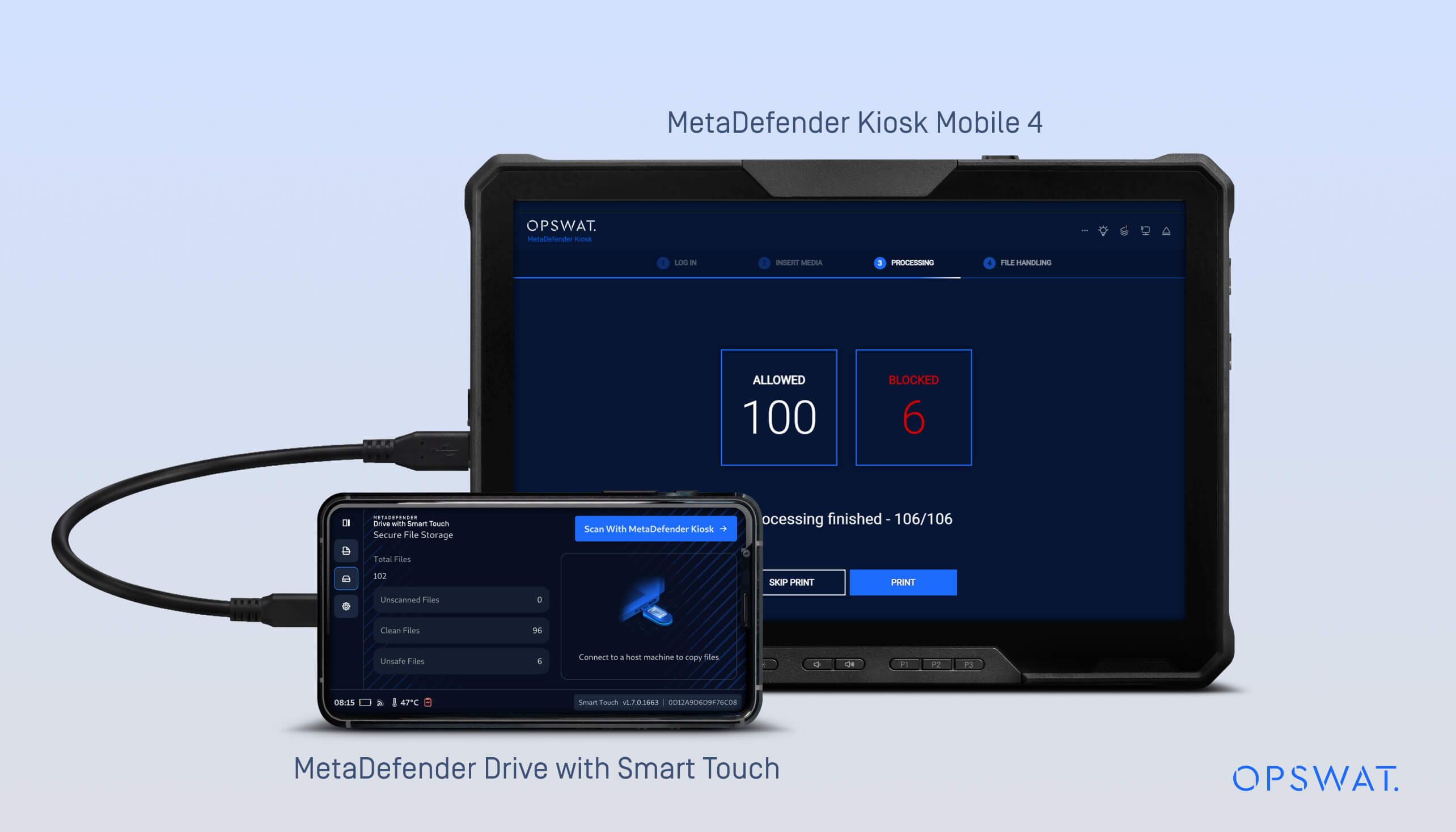
In the previous releases, MetaDefender Drive with Smart Touch introduced Secure File Storage, which stores and isolates files until they are scanned by a MetaDefender Kiosk™.

In v1.7.0 release, Secure File Storage now supports manifest-based integrity verification to help detect whether files have been modified after Kiosk scanning.

The Workflow:

  1. Files are copied into Secure File Storage.
  2. MetaDefender Drive with Smart Touch device is connected to MetaDefender Kiosk, where the files are scanned.
  3. After scanning, MetaDefender Kiosk generates a manifest signed with a certificate.
  4. MetaDefender Drive with Smart Touch stores and uses this signed manifest to verify that files remain unchanged when the device is later connected to other systems for sharing or transfer.
  5. If the manifest is altered, all files associated with that manifest are marked as unsafe.
  6. If an individual file is altered while the manifest remains valid, only that file is marked as unsafe.
  7. Unsafe files must return to MetaDefender Kiosk for re-scan before they can be trusted again.

This update ensures:

  • Verification of the signed manifest created by MetaDefender Kiosk
  • File integrity is validated using a signed manifested generated by MetaDefender Kiosk, including certificate-based verification during Kiosk scanning
  • Secure File Storage workflows maintain consistent verification between MetaDefender Drive with Smart Touch and MetaDefender Kiosk

For more details, refer to the  document here to configure Data Integrity Verification with MetaDefender Kiosk.

Offline Upgrade Option for Smart Touch Application

This release introduces an additional offline upgrade method for the Smart Touch application. This method provides an alternative update path for isolated environments where MetaDefender Drive with Smart Touch can’t reach the update server or has limited connectivity.

When the MetaDefender Drive with Smart Touch is powered on, the system checks for a USB drive containing an update package. If a USB drive containing a newer, valid deb package is detected, the device automatically performs the upgrade in the background during startup.

MetaDefender Drive with Smart Touch Offline Upgrade Process

Offline application updates can be performed through the following steps:

  1. Download the latest deb package from the MetaDefender Drive with Smart Touch update page on My OPSWAT portal, and copy it to a USB drive.
  2. Power off the MetaDefender Drive with Smart Touch device
  3. Copy the deb package to a USB drive
  4. Insert the USB drive into the MetaDefender Drive with Smart Touch
  5. Power on MetaDefender Drive with Smart Touch
  6. Wait for the update package check during startup
  7. If a new version is detected, MetaDefender Drive with Smart Touch will be upgraded automatically in the background
  8. The updated MetaDefender Drive with Smart Touch version is available after startup

Operational State Detection Improvement

MetaDefender Drive with Smart Touch can now detect its operational states, whether actively booting or connected to a host device, allowing Smart Touch to adjust communication behavior based on device status. This improvement is supported by an updated communication protocol that reduces power consumption and extends battery life.


发布详情: 

  • Product: MetaDefender Drive with Smart Touch
  • Release Date: March 12, 2026
  • 发布说明: 点击此处了解更多

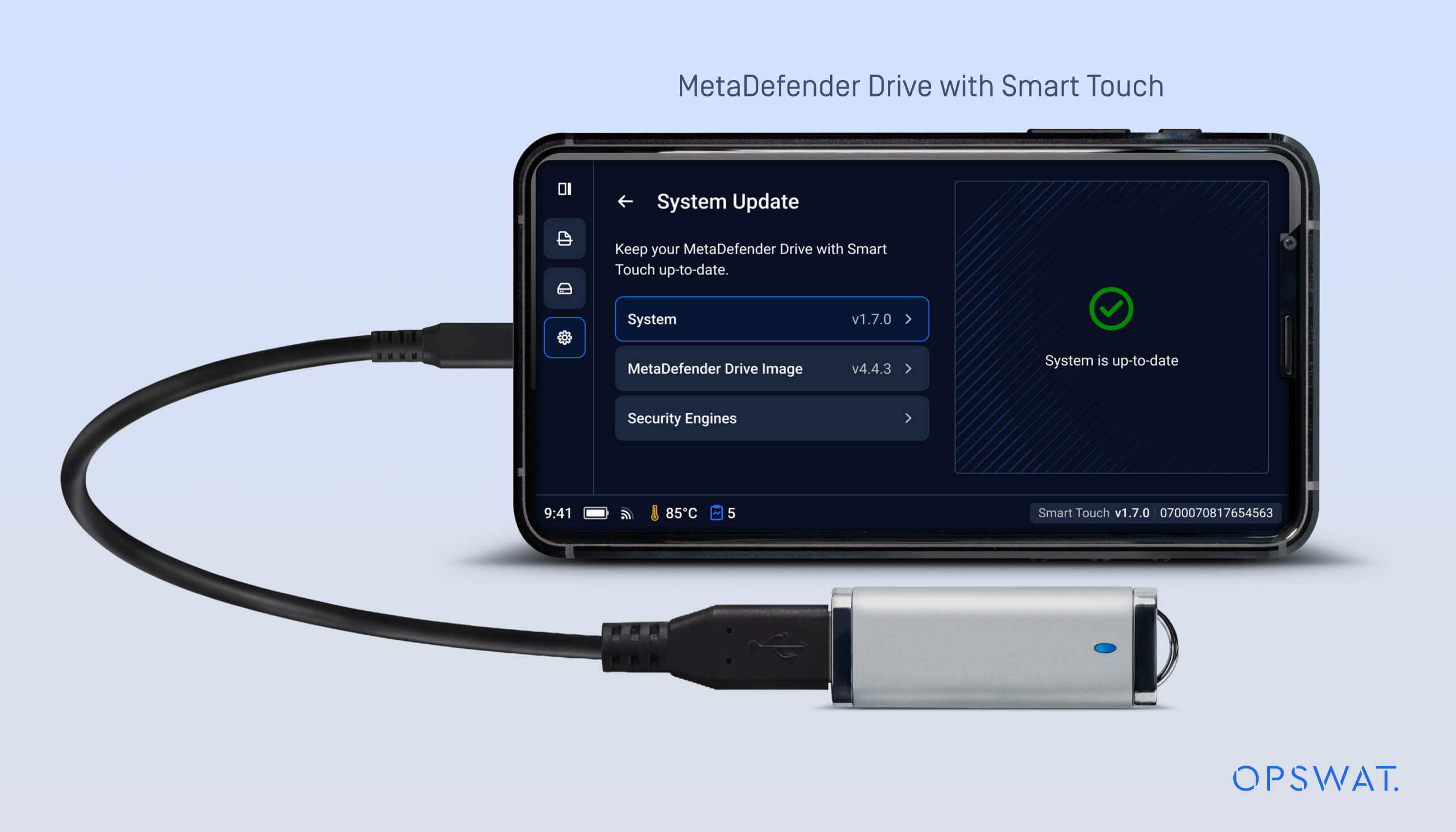
要Drive 智能触控更新Drive ,请在主屏幕上轻触系统更新,即可进入集中更新视图。

通过OPSWAT 了解最新信息!

立即注册,即可收到公司的最新动态、 故事、活动信息等。